> ## Documentation Index
> Fetch the complete documentation index at: https://docs.usehatchapp.com/llms.txt
> Use this file to discover all available pages before exploring further.
# Hatch Delivery Status
> Learn where your texts are in the delivery process and what those statuses mean
With ever-increasing [10DLC compliance laws](/getting-started/compliance/10dlc-registration-tcpa-compliance), it's important to know if you're messages are aligned with customer communication regulations. That's why we added the delivery status to your text messages.
### How does it work and what do they mean?
When you send a message in Hatch, the text bubble will show in your contacts’ conversation card history. Under that text bubble, you will see a delivery status.
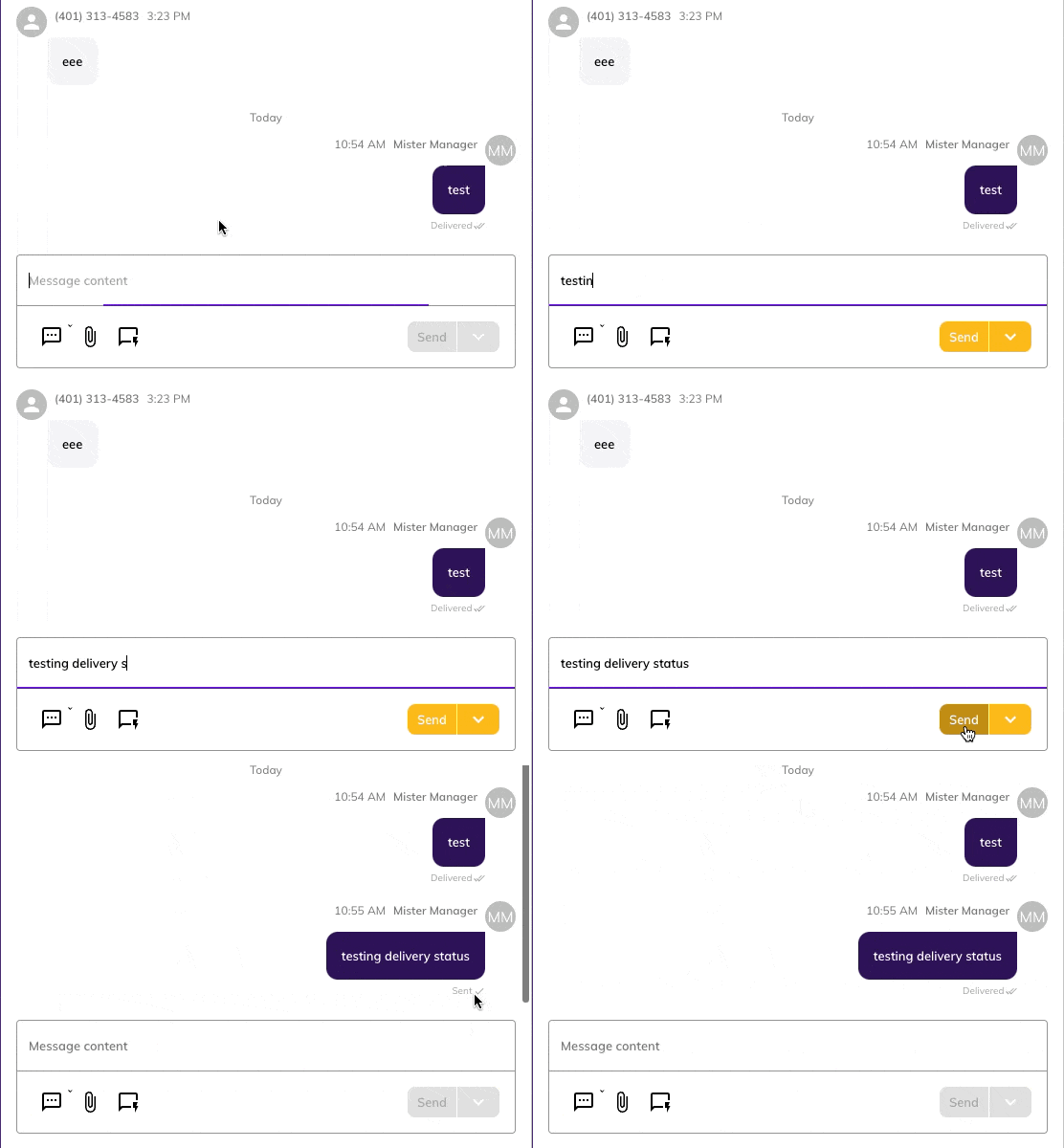 Here is a list of delivery statuses:
**Sending:** the message has been created and is on its way to the mobile service provider.
Here is a list of delivery statuses:
**Sending:** the message has been created and is on its way to the mobile service provider.
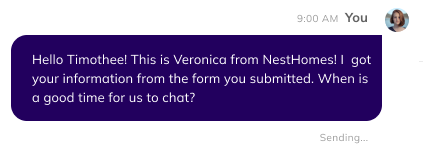 **Sent:** the mobile service provider has received the message, but has not yet reached the recipient.
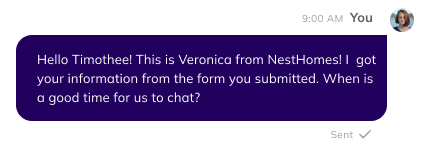 **Delivered:** the text has made it to the recipient.
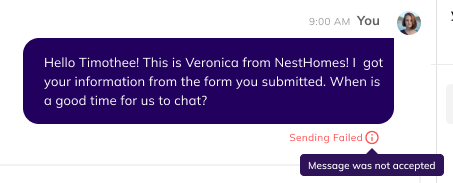
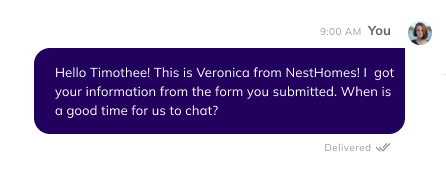 **Failed to send:** the mobile service provider did not accept the message.
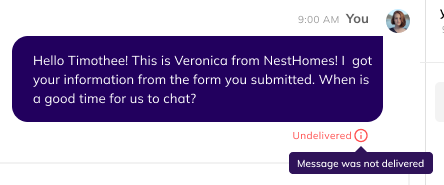
 **Undelivered:** the mobile service provider accepted the message but did not deliver it to the recipient.
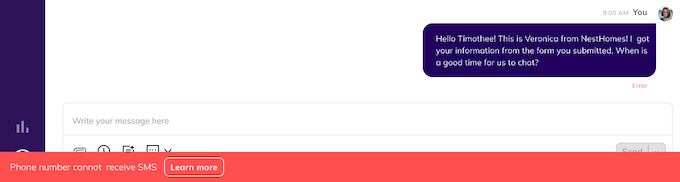
 A message may be undelivered or fail to send for a few reasons. Some of those reasons might be that the number you tried to send to was not a real phone number or a landline number.
 Most of your messages, assuming you are [10DLC compliant](/getting-started/compliance/10dlc-registration-tcpa-compliance), should go through as delivered.
*Note that this feature is only available for text messages, not emails, and is not yet available in the Hatch mobile app.*
Most of your messages, assuming you are [10DLC compliant](/getting-started/compliance/10dlc-registration-tcpa-compliance), should go through as delivered.
*Note that this feature is only available for text messages, not emails, and is not yet available in the Hatch mobile app.*