> ## Documentation Index
> Fetch the complete documentation index at: https://docs.usehatchapp.com/llms.txt
> Use this file to discover all available pages before exploring further.
# Features
> Enable and manage the features available in your workspace.
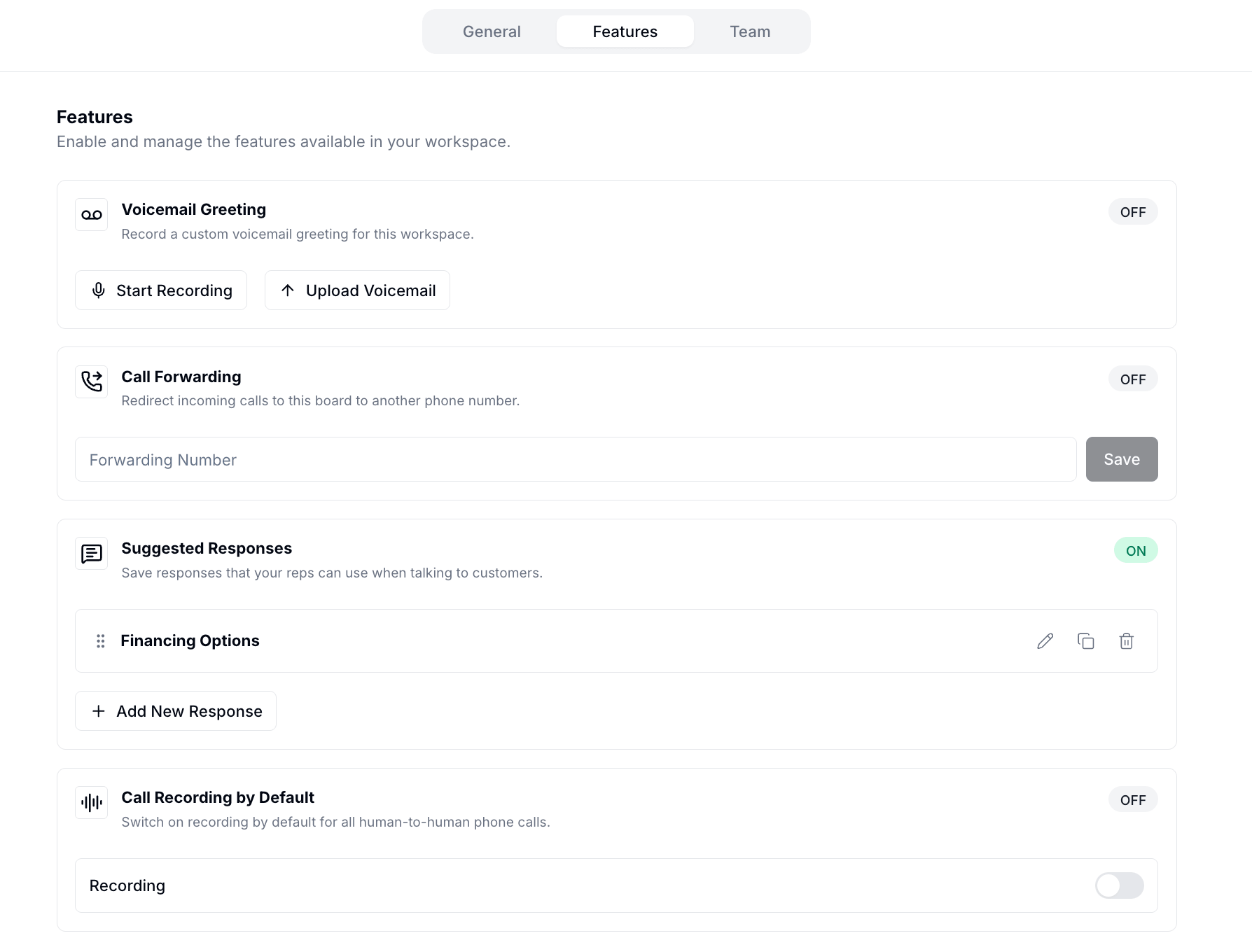
Access the Features tab by going to **Workspace Configs** and clicking **Features** in the tab bar.
 ### Voicemail Greeting
Record or upload a custom greeting that plays when a call to your workspace goes unanswered and call forwarding is not configured. See [Voicemail Greeting](/how-to-use-hatch/workspace-settings/voicemail-greeting) for details.
### Call Forwarding
Redirect all incoming calls for this workspace to another phone number. See [Call Forwarding](/how-to-use-hatch/workspace-settings/how-to-setup-call-forwarding-for-your-workspace) for details.
### Suggested Responses
Save reusable message templates your reps can insert while chatting with contacts. See [Suggested Responses](/how-to-use-hatch/board-contact-card/suggested-responses) for details.
### Call Recording
Turn on call recording by default for all human-to-human calls in this workspace. See [Recording Calls in Hatch](/how-to-use-hatch/workspace-settings/recording-calls-in-hatch) for details.
### Voicemail Greeting
Record or upload a custom greeting that plays when a call to your workspace goes unanswered and call forwarding is not configured. See [Voicemail Greeting](/how-to-use-hatch/workspace-settings/voicemail-greeting) for details.
### Call Forwarding
Redirect all incoming calls for this workspace to another phone number. See [Call Forwarding](/how-to-use-hatch/workspace-settings/how-to-setup-call-forwarding-for-your-workspace) for details.
### Suggested Responses
Save reusable message templates your reps can insert while chatting with contacts. See [Suggested Responses](/how-to-use-hatch/board-contact-card/suggested-responses) for details.
### Call Recording
Turn on call recording by default for all human-to-human calls in this workspace. See [Recording Calls in Hatch](/how-to-use-hatch/workspace-settings/recording-calls-in-hatch) for details.