What are audience templates?
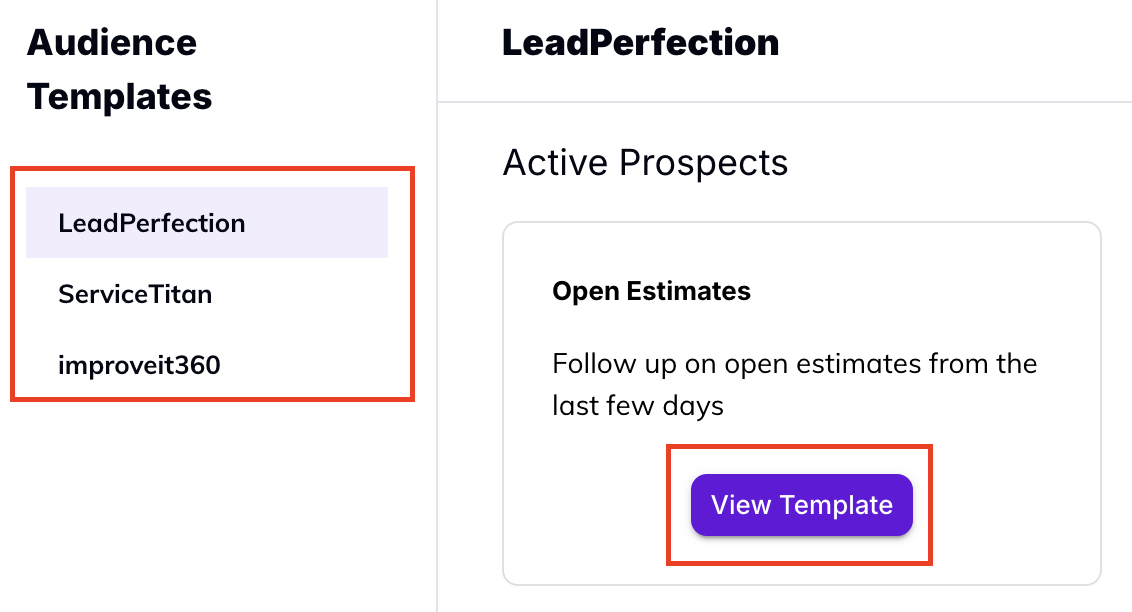
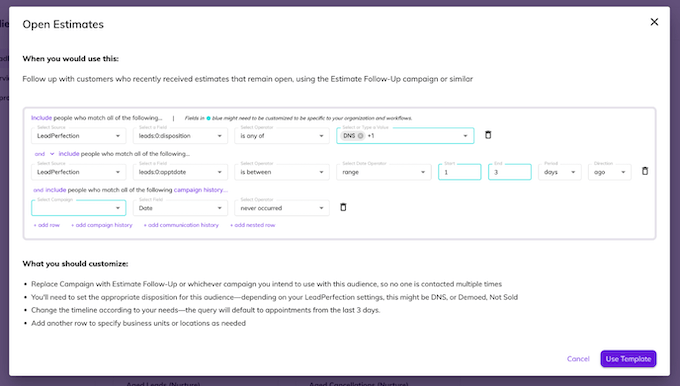
Audience templates are pre-built Audience Builder queries covering our most popular use cases and CRMs. Currently the template gallery covers ServiceTitan, LeadPerfection, and improveit360 with more to come.How do I use an audience template?
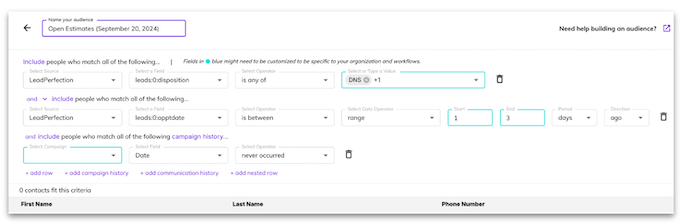
What is audience targeting and why is it important?
The key to sending effective messages to leads and customers is in making them personalized and accurate. But the broader your audience, the more generalized (and impersonal) they have to be in order to stay accurate. When you target specific audiences, you create smaller segments that share certain characteristics so you can achieve the personalized piece as well.What is an Audience in Hatch?
Your Audience is who you are targeting with your Campaigns. You cannot launch a Campaign unless it has people to receive those messages! For example, the Audience for a Speed to Lead campaign is new leads. For a Sales Follow-Up Campaign, it’s recently quoted leads. For a Nurture or Rehash campaign, it’s aged leads. And the Audience Builder helps you to refine those segments (for example, which lead source? Exactly how recent or how aged?). But you don’t have to go into your CRM, create the list, then download it and upload it to Hatch. Because Hatch integrates with your CRM and lead sources, you define the Audience right within Hatch and it will automatically add and remove contacts from that Audience list as they meet the criteria.How do I build an Audience in Hatch?
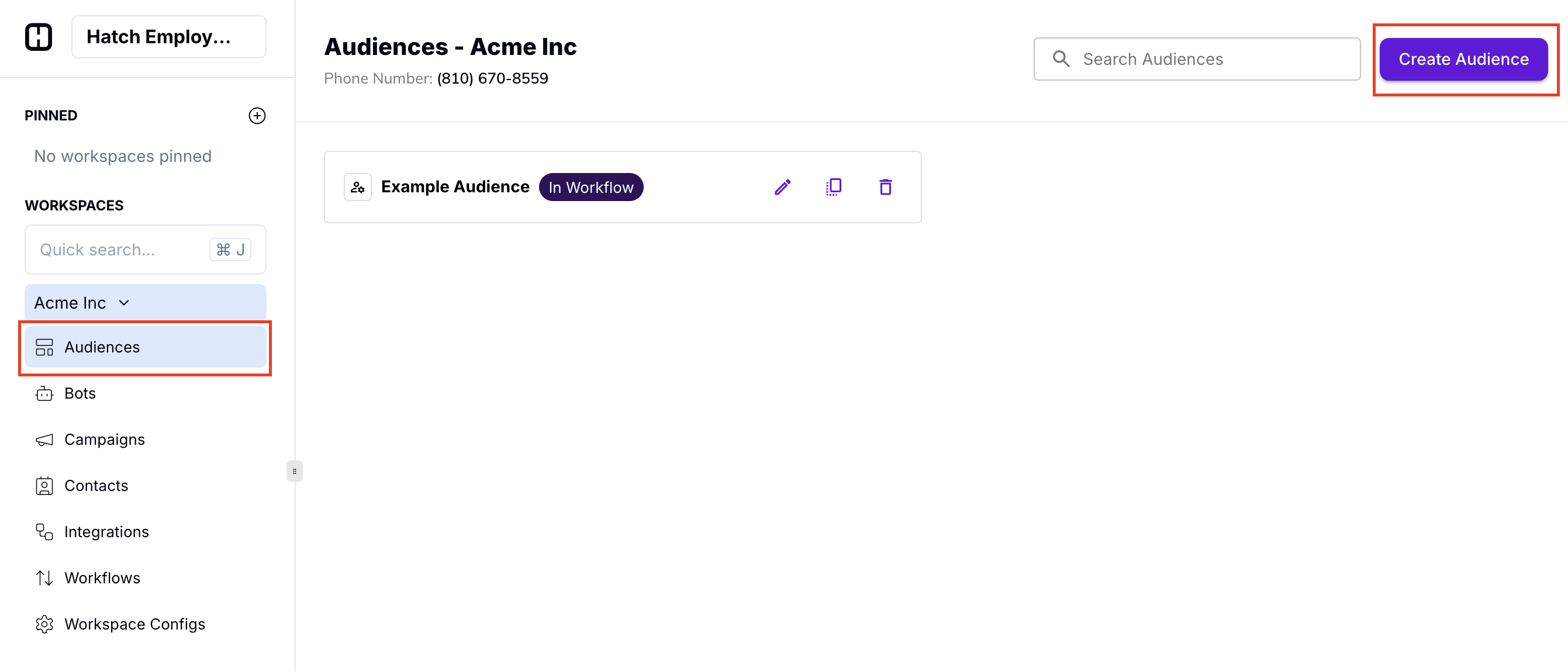
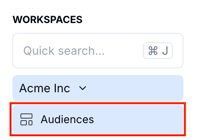
To access the Audience Builder in Hatch, select the audience icon in the left-hand panel of your Hatch dashboard. Then hit ‘Create Audience’ once you’ve reached the Audiences page.