

Conversations Guide
Conversational Analytics Guide
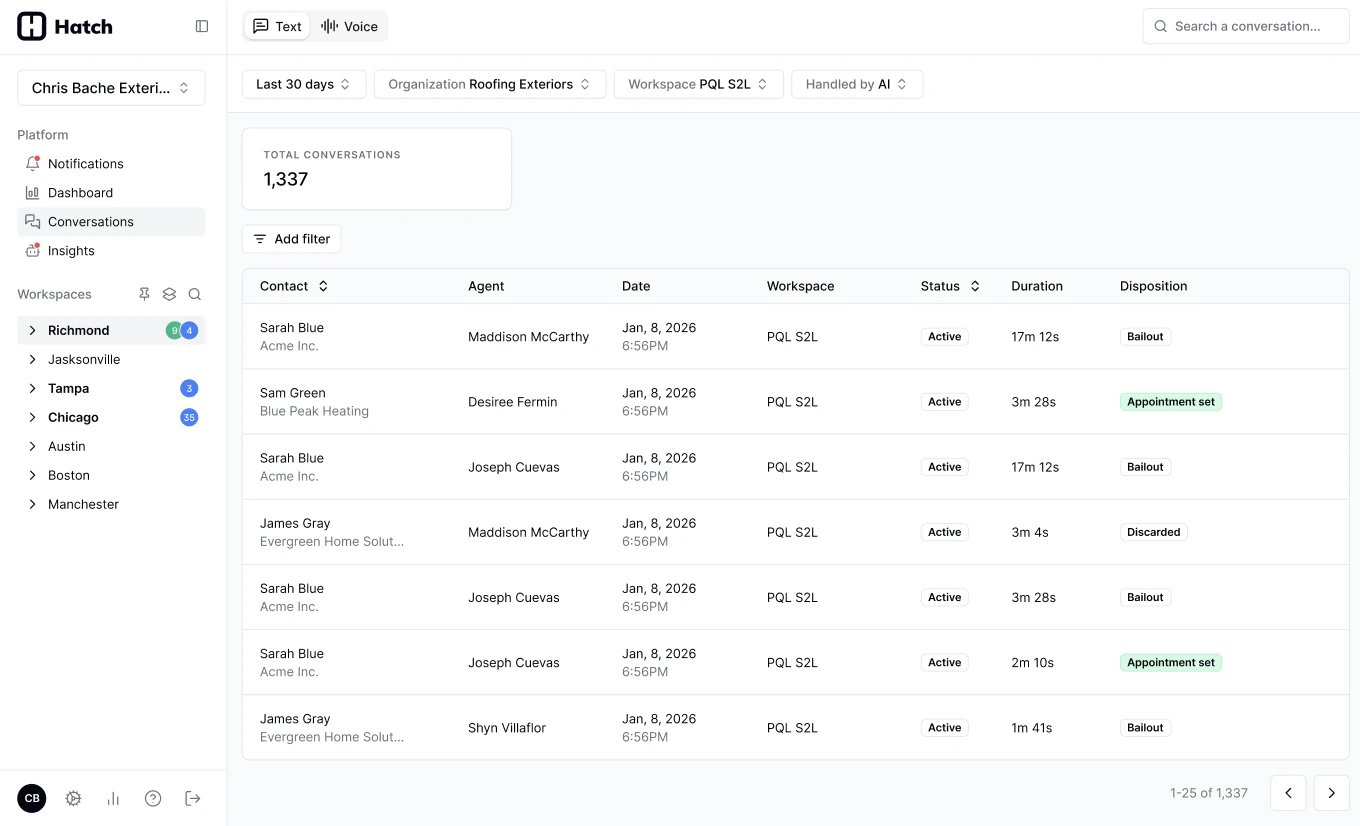
Conversational Analytics
LLM-powered analysis of AI Voice Conversations. See key details of calls like Bookable, Booked, Satisfaction, and Request Category in the Conversations page.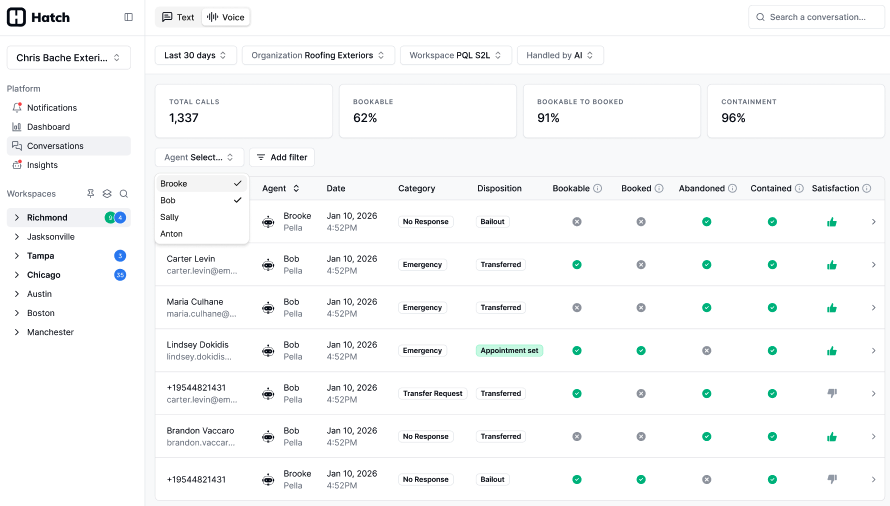
- Manage a log of recently completed voice calls, review key call metrics and access recordings all in one workflow.
- Use aggregates of voice performance metrics and individual call outcomes to tune your bots and increase metrics like bookable-to-booked.
What is a conversation?
In Hatch, a conversation is any interaction with a client over a single communication channel, such as text or calls. A conversation:- Starts when a client initiates an inbound action (for example, replying to a campaign or calling in).
- Ends when a disposition is applied to close it.
Real-time updates
Conversation data updates in real time, so you can monitor activity and outcomes as they happen.Accurate Reporting
To get the most accurate reporting and performance insights, make sure your team consistently:- Closes conversations.
- Applies dispositions.
- Properly configures AI Assistants with ending dispositions.