User Permissions
Hatch Manager permissions are required in order to access integrations.The Hatch App Marketplace
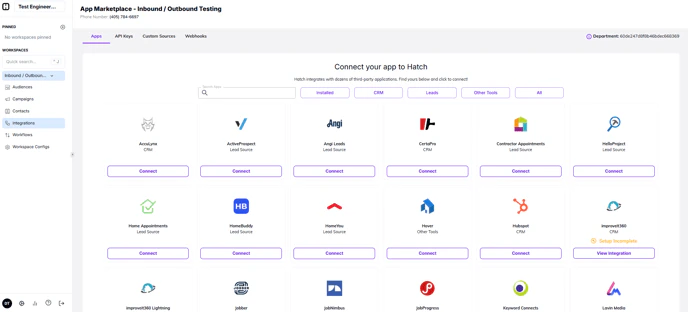
The Hatch App Marketplace is where you browse, install, and configure integrations — all from inside Hatch. To access it, click Integrations in your workspace sidebar. From there you can:- Search for integrations by name
- Filter by category: CRM, Leads, Other Tools, or Installed
- Connect a new integration by clicking its card and following the setup steps
- View the status of integrations you’ve already installed (Active, Paused, Setup Incomplete, etc.)