

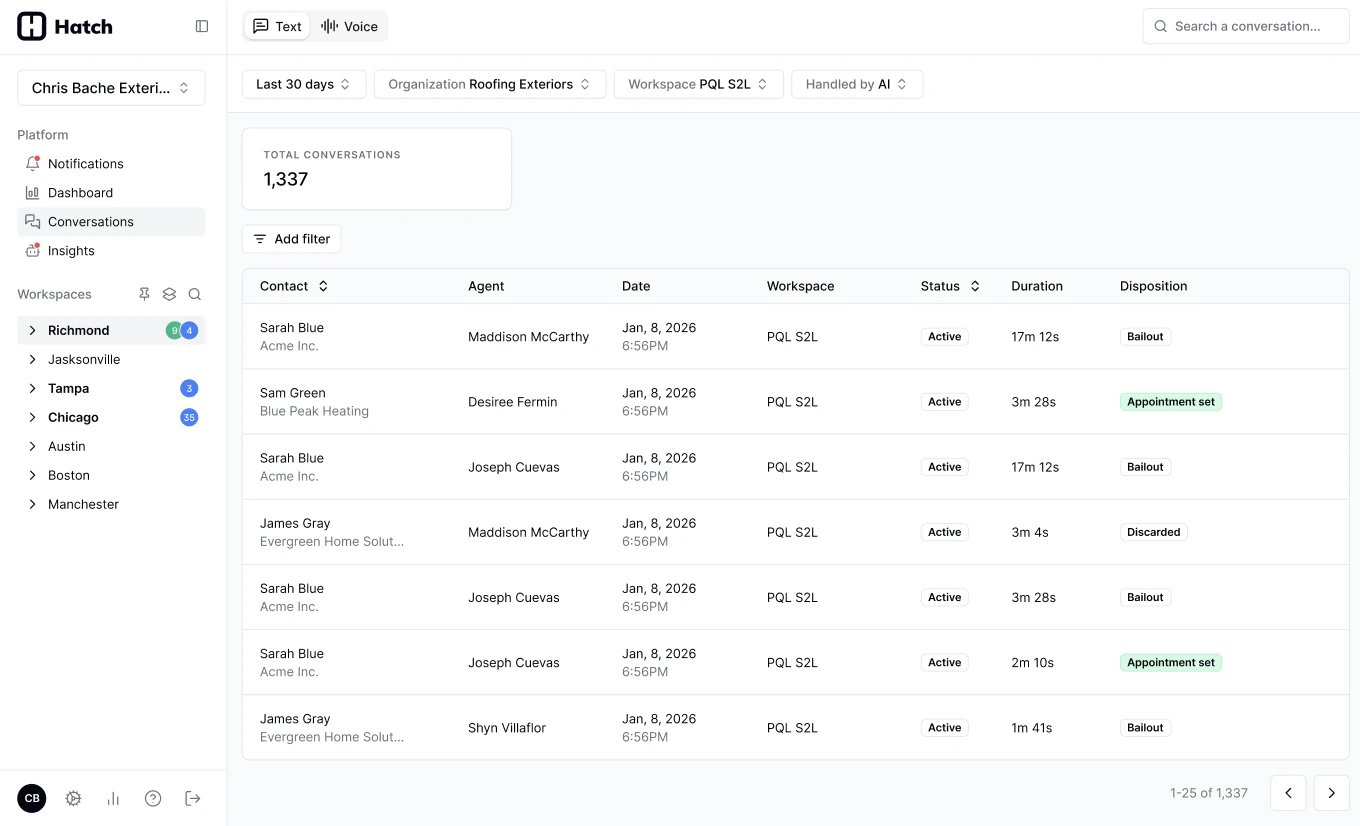
A first review pass
For a newly launched Voice AI agent, this is a good half hour:1
Open the Voice tab and filter to your agent
Set the Agent Type filter to Chatbot, pick your agent, and set a date range covering since it went live. See Using the filters.
2
Start with the calls that should have booked
Filter Booking Status to Not booked — bookable calls where no booking was made. These are your missed opportunities, and the fastest route to improving the agent.
3
Check what it handed off
Filter Handling to Transferred to see which calls the agent passed to a person, and decide whether it should have handled them itself. See Live Transfers.
4
Listen to a few in full
Click into a conversation to play the recording, read the transcript, and check the Context tab. See How to Review Conversations.
5
Flag anything that went wrong
If a call didn’t go the way it should, flag it from the side drawer with a note. Your Hatch team picks it up and works it through to resolution. See Flagging a Call.
Related Articles
- Conversations Page: the log itself, its columns, and its filters.
- Glossary: what each metric means and how it’s calculated.
- How to Review Conversations: opening a call, listening to it, and flagging an issue.
- Hatch Assistant Setup Guide: building and tuning the agent itself.