

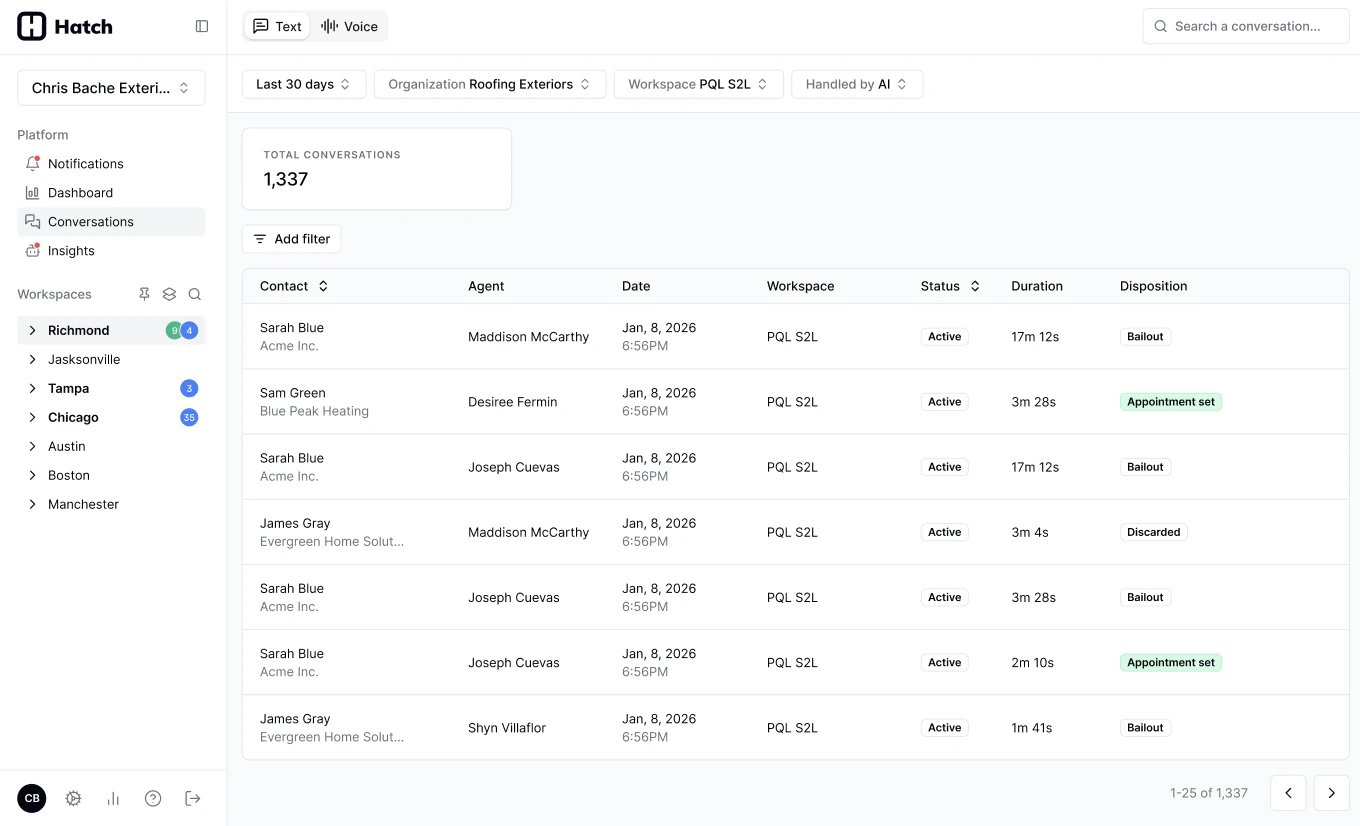
Getting there
Go to Conversations in the left-hand sidebar.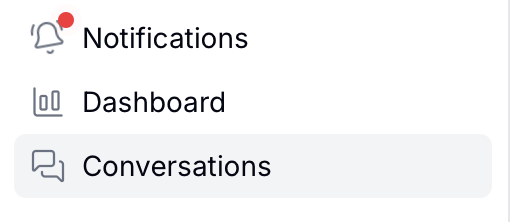
Voice and Text tabs
The page is split into two tabs, because a phone call and a text thread aren’t reviewed the same way.- Voice: phone calls, including every call handled by your Voice AI agent. Voice conversations carry the richest data — a recording, a transcript, an AI-generated summary, and the full set of Conversation Metrics such as Category, Booking Status, and Handling.
- Text: SMS and email conversations, including those handled by your AI text agents. Text conversations show the message thread and the disposition that closed it out, but not the voice-specific metrics.
Conversation Metrics are currently available for Voice AI conversations only. Text AI conversations show the conversation record and its disposition.
Using the filters
Narrow the log down to the conversations you actually care about. Search by contact name, phone number, or email. Click Add filter to see more options. You can filter by:- Organization
- Workspace
- Agent
- Agent Type — AI (chatbot) or human
- Date range
- Flagged — show only conversations with an active, unresolved flag. See Flagging a Call.
- Voice + AI + Flagged — the calls your team has reported a problem on.
- Voice + AI + Booking Status: Not booked — bookable calls the agent didn’t close, which is where most coaching opportunities live.
- Voice + AI + Handling: Transferred — calls the agent handed off, to check whether it should have handled them itself.
Downloading your results
Use the download button in the bottom right of the page to export the current results as a CSV. Whatever filters and search terms you have applied carry over, so you can narrow the log down first and export exactly the set you want.Related Articles
- Glossary: what each AI-generated call metric means and how it’s calculated.
- How to Review Conversations: opening a conversation, listening to the recording, and flagging an issue.
- Review your new AI Agent: where to start once a new Voice or Text AI agent goes live.