

Overview
The Hover integration allows you to add a Hover capture link to any Hatch campaign message. The Hover link will be unique for each customer that receives the Hatch campaign message.- If the customer has an existing link in your Hover account, that is the one they will be sent
- If the customer does not have an existing Hover link, one will be generated for them and sent to them
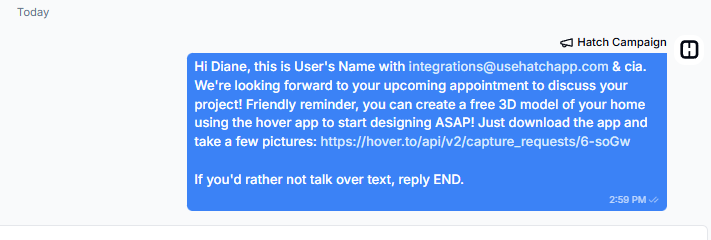
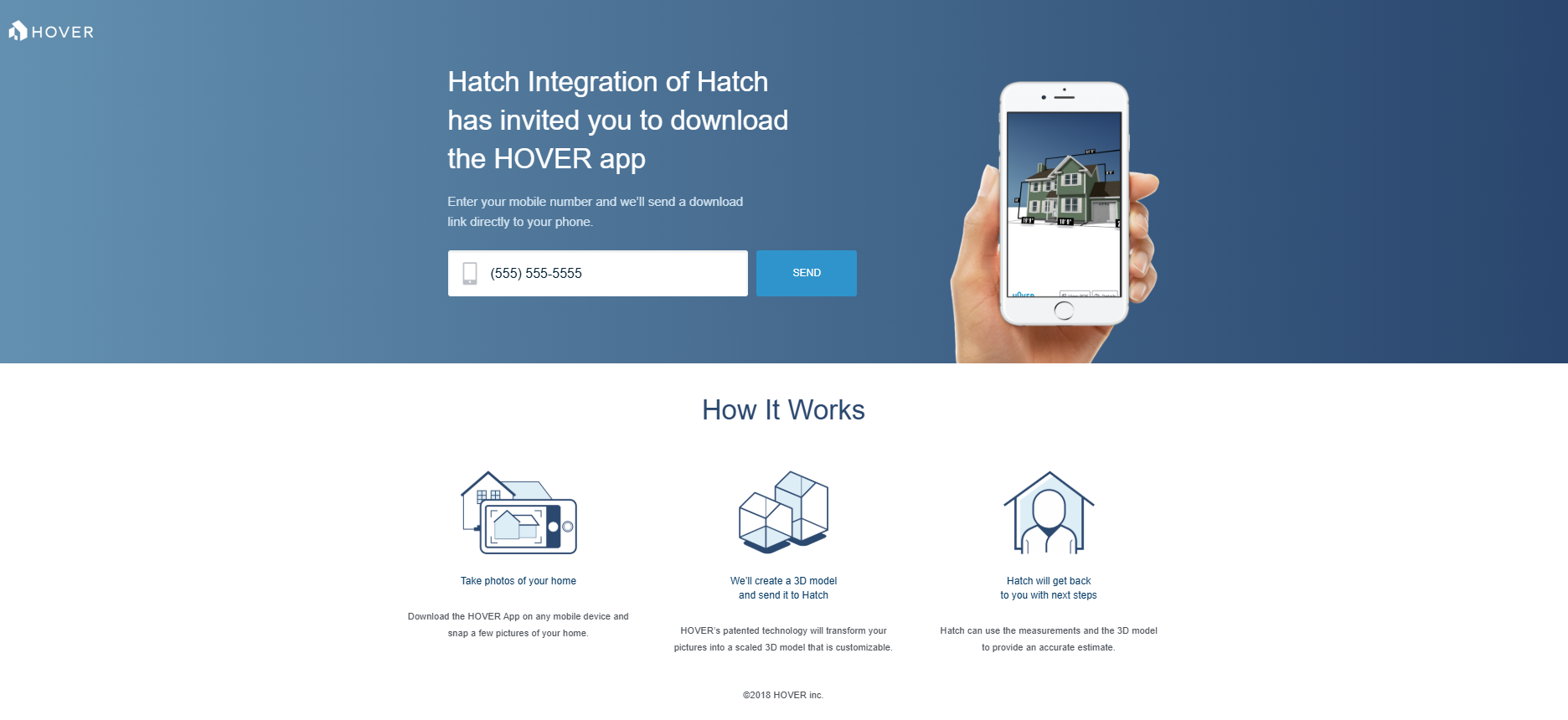
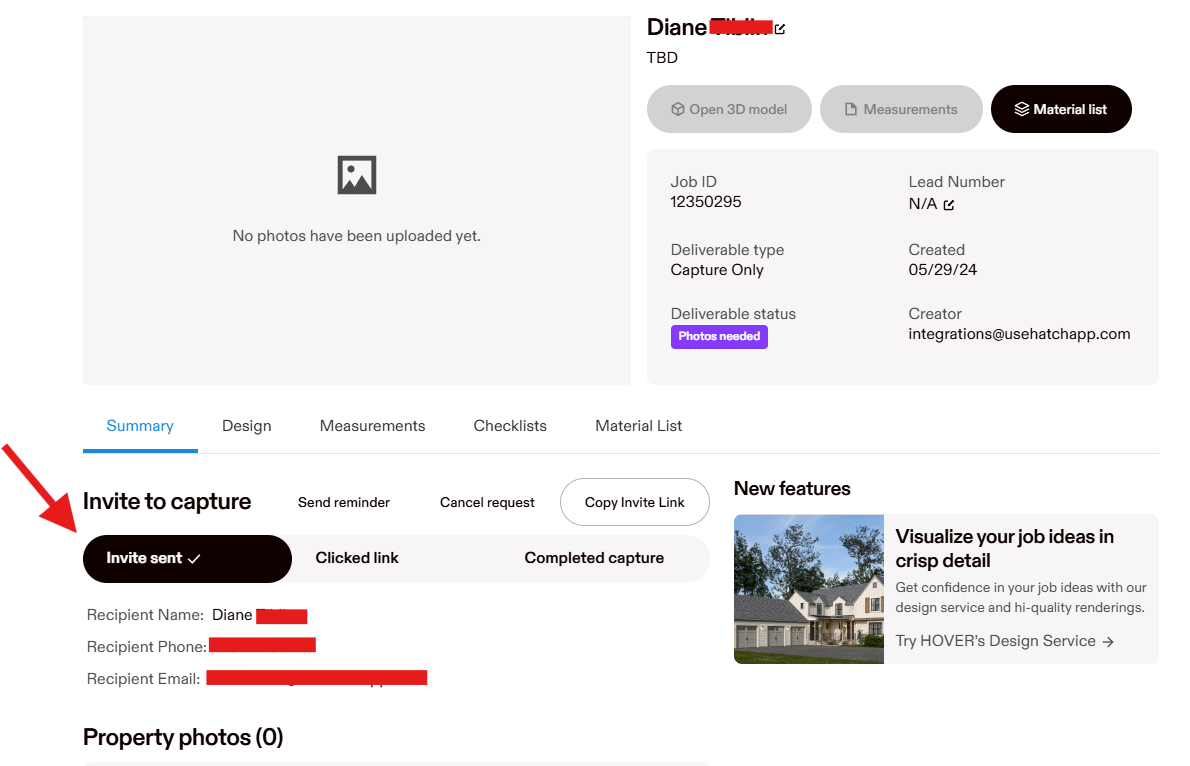
Activating the Hover-Hatch Integration
- Navigate to the Hatch app marketplace
- Click connect on the Hover integration (can be found under Other Tools)
- Click the connect button, and sign in to your Hover account
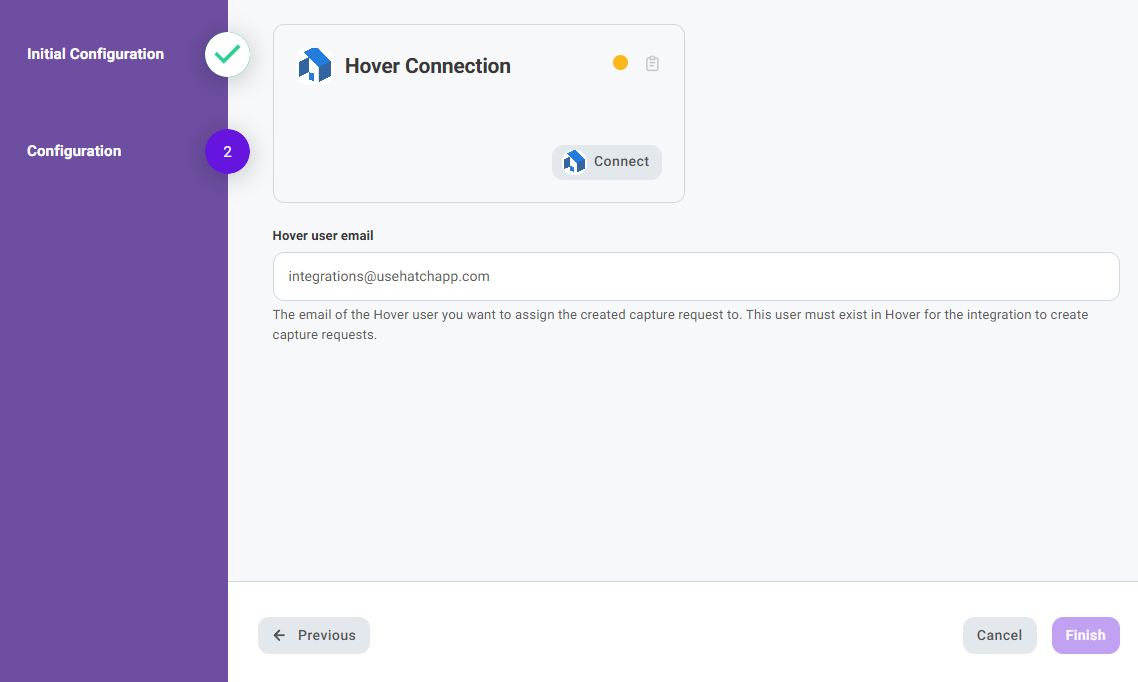
How to add the Hover link to Hatch campaign messaging
- Navigate to the Campaigns page.
-
Find the campaign you’d like to add the link to, select the three dots icon, and select Edit from the menu that appears.

- In the campaign verbiage, wherever you’d like the Hover URL to appear, place exactly this:
[[hover_capture_url]]
 This is how the snippets appear in campaign verbiage. For the contact that receives the message, this snippet will be transformed into their unique Hover link
- Once you’re done editing, click Update Campaign.