

API basics
Hatch’s public API is organized around REST. Our API has predictable resource-oriented URLs, accepts JSON-encoded request bodies, returns JSON-encoded responses, and uses standard HTTP response codes, authentication, and verbs. Our API uses API keys to authenticate requests. Your API keys carry many privileges, so be sure to keep them secure! Do not share your secret API keys in publicly accessible areas such as GitHub, client-side code, etc.Creating and managing API keys
Before using the API, you will need to create an API key. You can create and manage your API keys in the API Keys tab of the App Marketplace.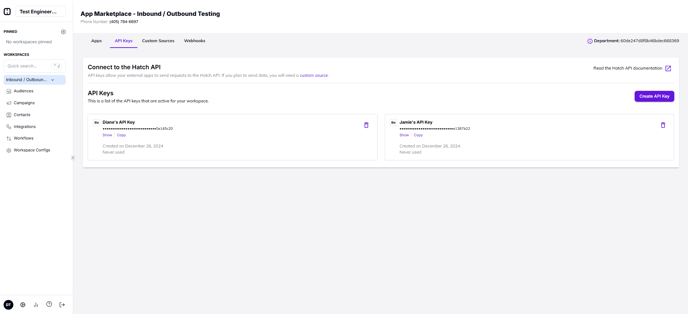
How to create a new API key
Follow these steps to create a new API key:- Click the Create API Key button
- Enter a label for your API key
- Click the Create API Key button
How to delete an existing API key
Follow these steps to delete an existing API key:- Locate the API key in the list
- Click the API key’s delete button
- When the confirmation appears, click Yes, delete
Authenticating requests
Authentication to the API is performed via Bearer Authentication. You must send an API token in the Authorization header when making requests:Sending contact data
When you send contact data into Hatch, you are required to provide a valid source**** value in the body of the request. You can view and manage your custom sources in the App Marketplace custom sources tab.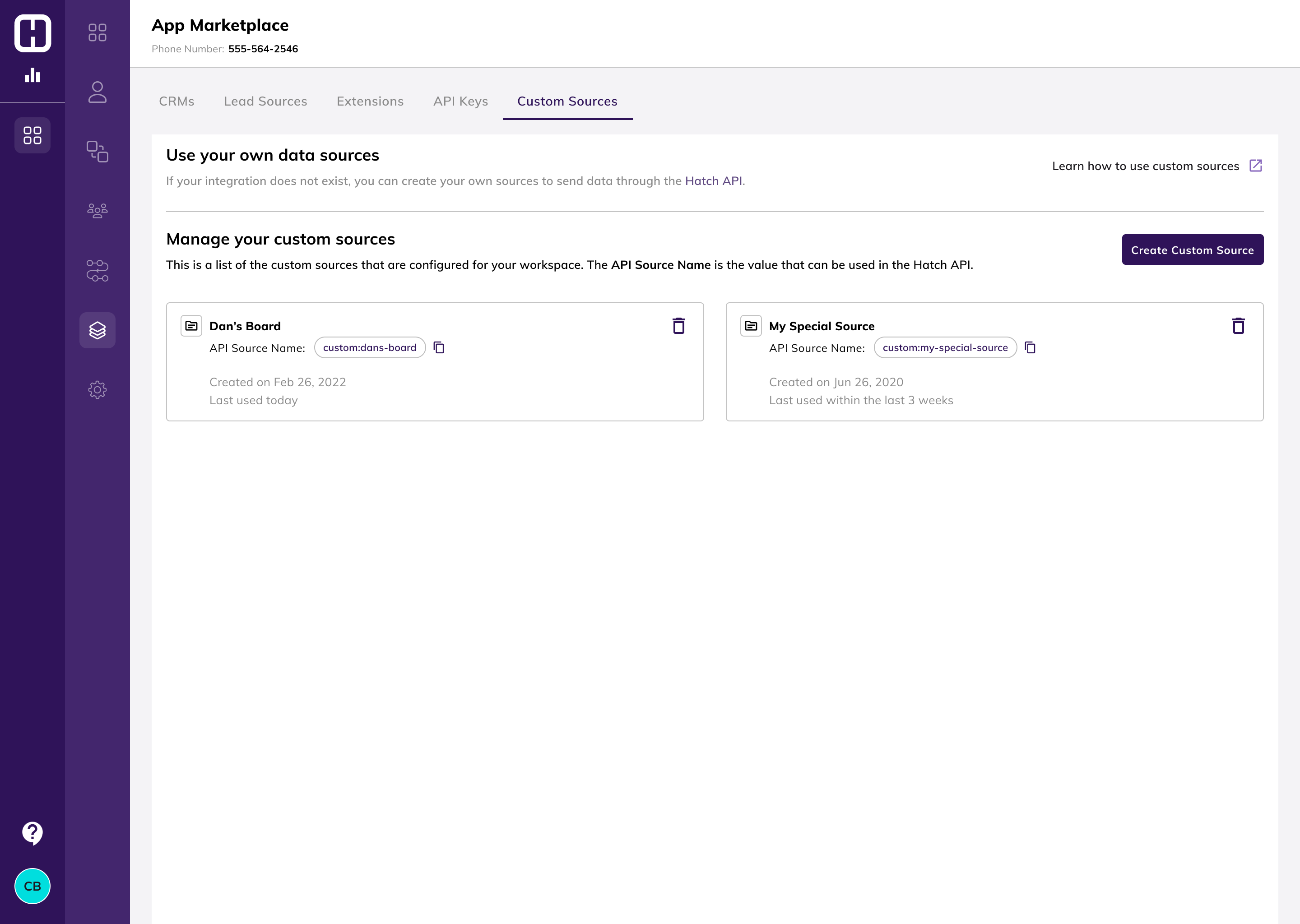
Errors
Hatch uses conventional HTTP response codes to indicate the success or failure of an API request. In general: Codes in the 2xx range indicate success. Codes in the 4xx range indicate an error that failed given the information provided (e.g., a record was not found, a required parameter was omitted, etc.). Codes in the 5xx range indicate an error with Hatch’s servers (these are rare).Endpoints
This is an embedded version of our Swagger endpoint documentation which contains an example of the expected data schema.FAQ
Does the API have a rate limit?
Does the API have a rate limit?
Yes— the rate limit is 100 requests per 10 seconds.