

Contact source basics
Every contact in Hatch comes from somewhere. To keep track of where your data originated, Hatch stores a source value on every contact in your workspace.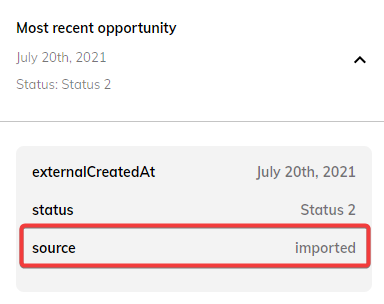
Custom sources
When contacts are sent through Hatch’s public API, Hatch has no way to automatically determine the source of the contact. Instead, a custom source is necessary for Hatch to create the contact. Custom sources are sources that you define. They appear in your contact data just like any other source in Hatch.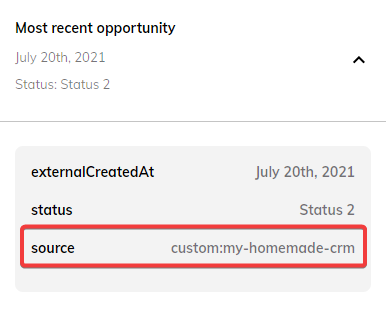

Creating and managing custom sources
You can create and manage your custom sources in the Custom Sources tab of the App Marketplace.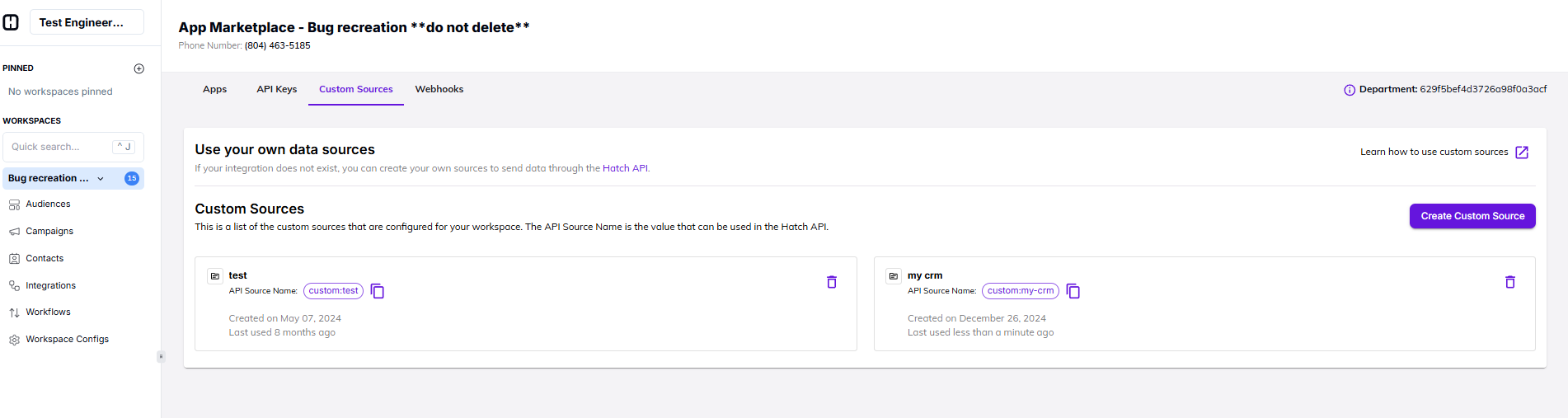
How to create a new custom source
Follow these steps to create a new custom source:- Click the Create Custom Source button
- Enter a label for your custom source
- Hatch will automatically generate the API Source Name
- Click the Create Custom Source button
How to delete an existing custom source
Follow these steps to delete an existing custom source:- Locate the custom source in the list
- Click the custom source’s delete button
- When the confirmation appears, click Yes, delete