

Note : You must have owner or manager permission to access Account Settings.
Add a Workspace to your Account
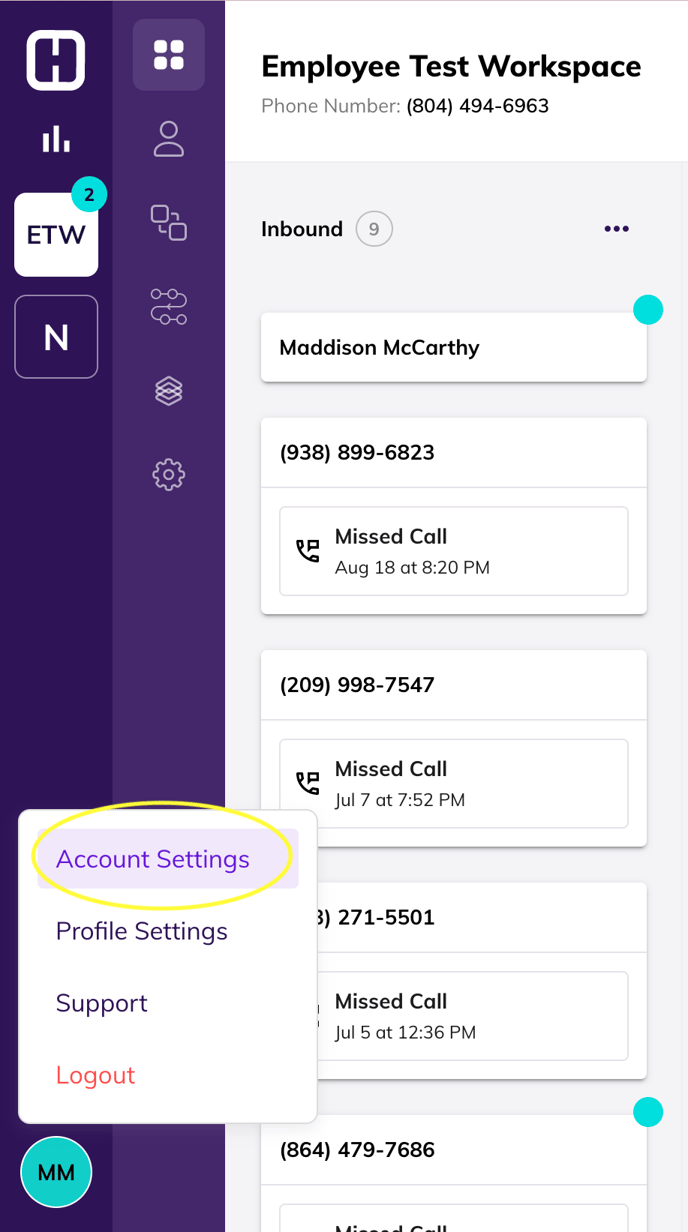
- Navigate to your Account Settings by clicking on your profile in Hatch. Click Account Settings.

- Click Workspaces in Account Settings to see all your current workspaces, or add a new workspace.
- Click Add Workspace. Name your workspace, and pick your area code for your workspace’s number. We’ll assign a phone number based on what area code you choose.
- Pick your timezone, assign your team members, and then hit Save.
Note : Members can be added to workspaces at any time.