

-
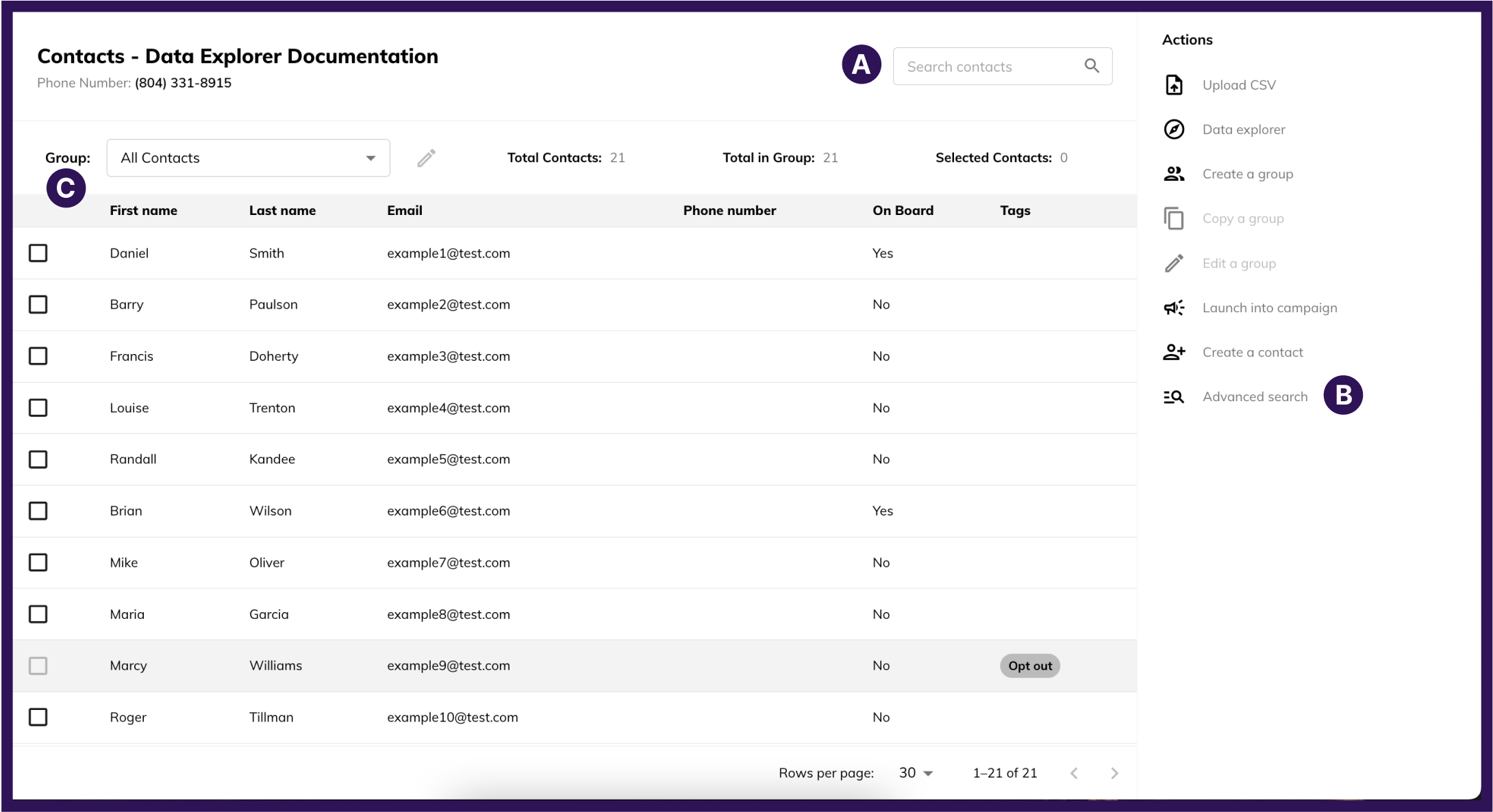
A: Search
- Use the Search Type drop-down to select what field to search by: Full Name, First Name, Last Name, Phone, or Email. Type a term into the search box and either hit Enter/Return on your keyboard or click the magnifying glass icon to run the search.
-
C: Audiences
- This drop-down provides a list of audiences that exist on the current workspace. Selecting an audience will filter the contact table to only show contacts that fit the audience at that time.
- When you select an audience, you will also be able to see/modify the query by clicking the pencil icon next to the Audiences drop-down.