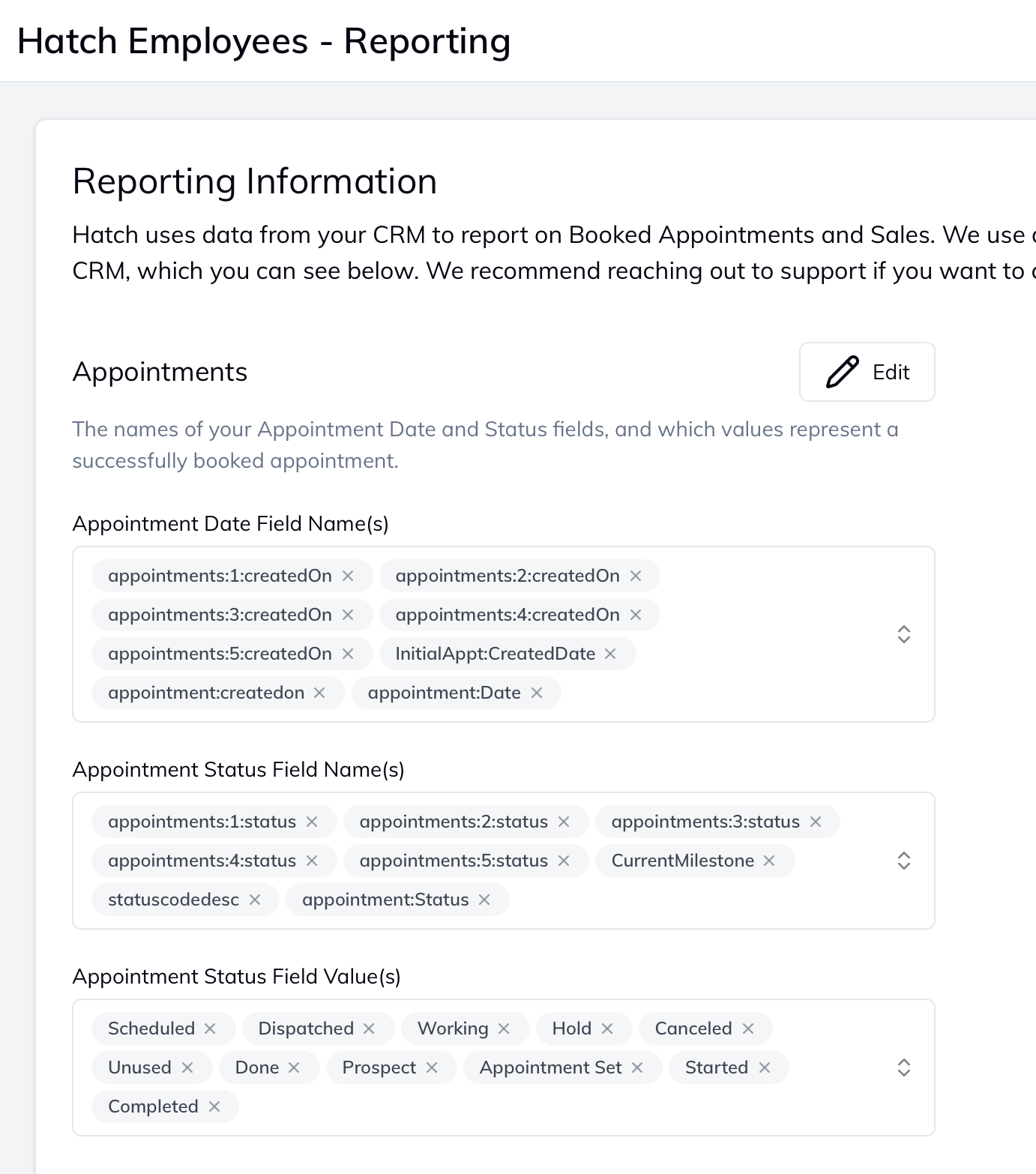
Hatch looks for attribution based on a contact’s integrated data. Hatch can read the full information relating to a contact/opportunity, but needs to be configured based on your own CRM’s setup. Click the gear icon in the bottom left of Hatch and go to the “Settings Page”. Attribution settings Here you can set the specific fields from your own CRM to track outcomes, dates, and statuses.

Filling out fields

Work with your Account Manager to have these filled out. Many CRMs have duplicated fields (see image above), and need to be indexed.
  • These are fields are case and space sensitive

Better Attribution Reporting

Track appointments and sales for client’s that have been launched into Hatch campaigns. These settings feed metrics in the Reporting page. Changes will be processed every night and will populate in the Attribution Tab of Reporting at the start of the day.