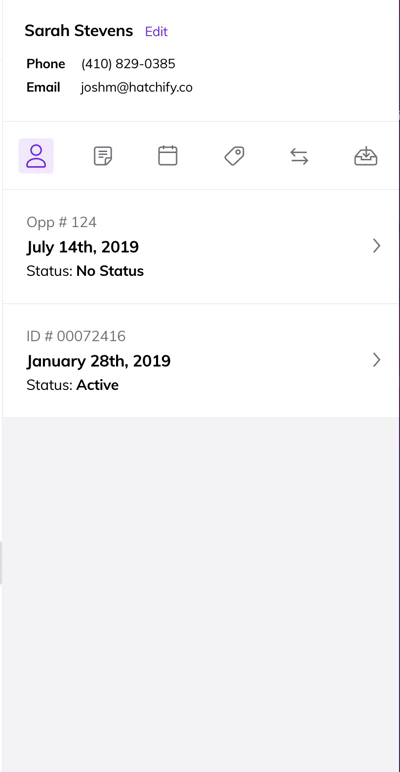
On the Contacts Page, contacts will show the first and last name of the contact as well as the most recent Status and Created Date. If you open a contact card, you can find all the information that was pulled in through the import in the Contact Details.This can include fields like Address, Sales Representative, or Quote Amount. Whatever we can pull through the import or integration is what shows here.
Contacts are made up of multiple opportunities. This varies depending on how you manage your contacts.If you have multiple opportunities, we will show the most recent opportunity.You can see this contact has two opportunities. One created in January, and another created or updated in July.If you always update the same opportunity or lead with new information, we will take the most recent information and show that.
⌘I
Assistant
Responses are generated using AI and may contain mistakes.