

Parent Objects
When we receive data from a CRM, sometimes that data includes an object that contains fields or even sub-objects which contain fields. The Audience Builder allows you to navigate through these to find the data you are looking for. A good way to think about it is how on your computer you have folders, and sometimes those folders contain other folders that you need to click into to get to a specific file. For the example below, I’ve used the improveit360 CRM. When you select improveit360 as a source and open the Field Picker, you can see that all fields are contained within 1 of 3 parent objects: Appointment, Project, and Prospect. If you know that the field you are looking for is something pertaining to the appointment/demo that took place, you could find that information contained in the Appointment object, for example.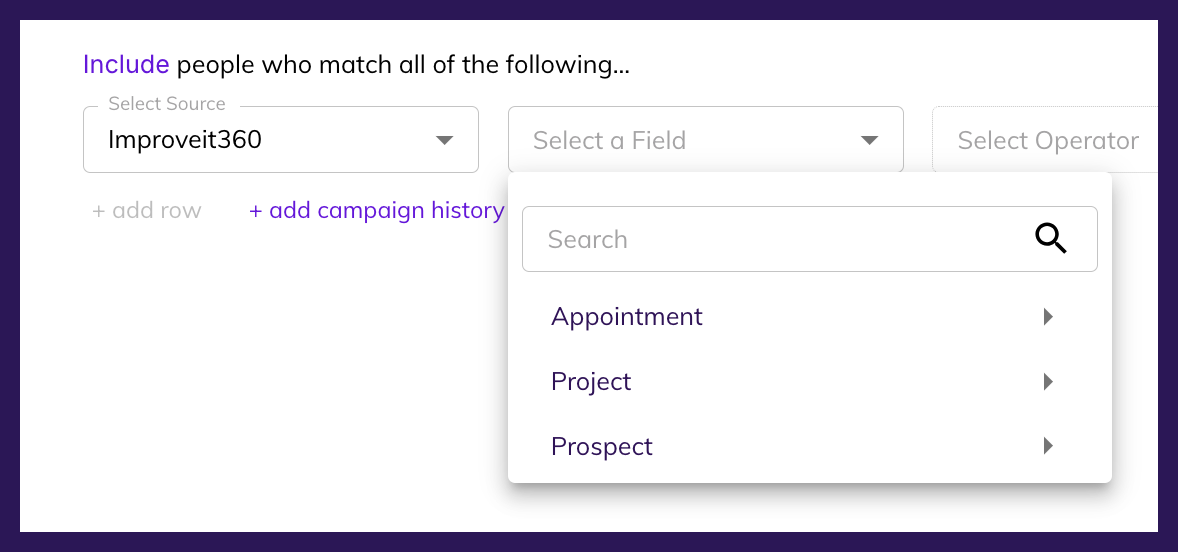
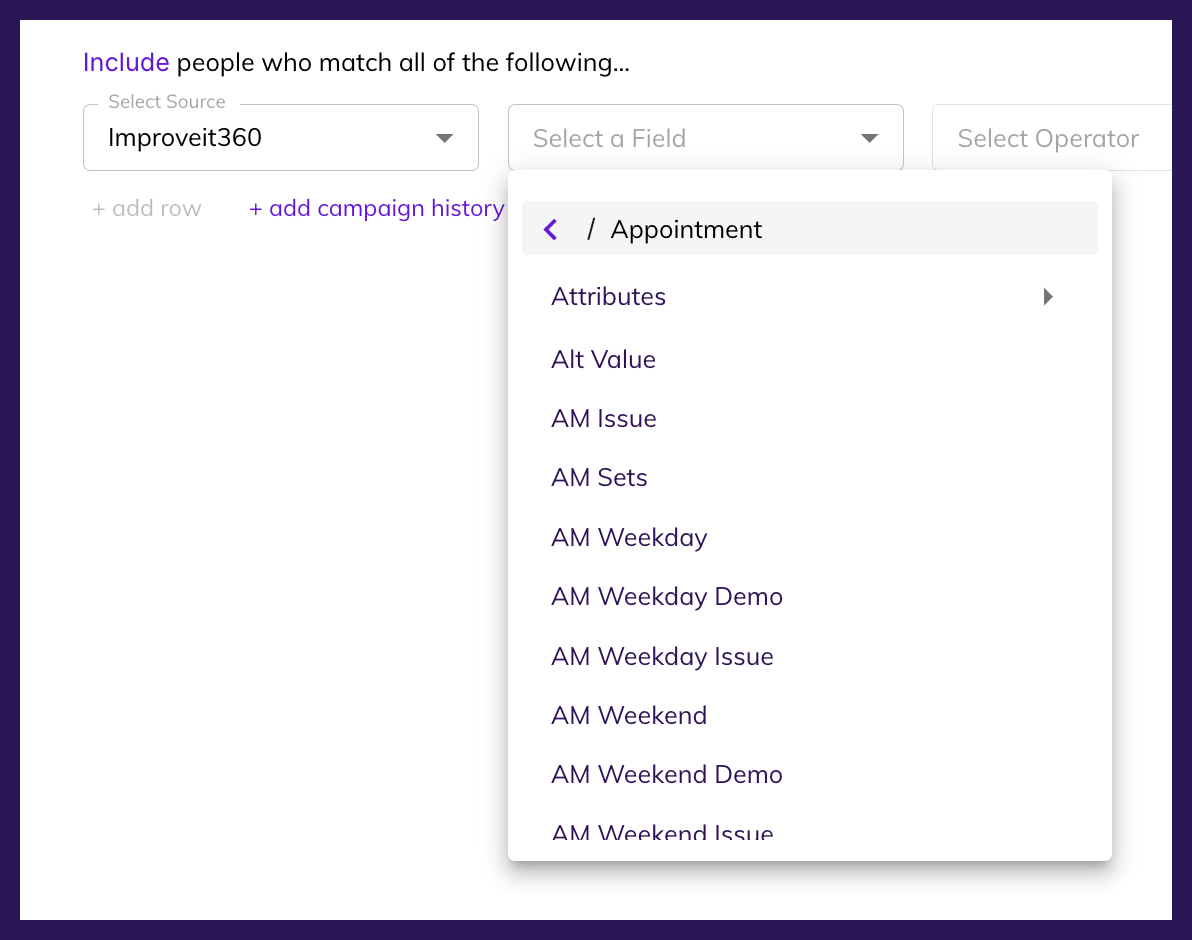
 The Audience Builder will show you the path you’ve take at the top of the Field Picker (shown above).