Documentation Index
Fetch the complete documentation index at: https://docs.usehatchapp.com/llms.txt
Use this file to discover all available pages before exploring further.
The Team tab in Workspace Configs shows everyone who has access to this workspace, along with a summary of their notification preferences.
What you’ll see
The team table lists each member with three columns:
- Name — the member’s full name and email address.
- Email — whether they have email notifications enabled for this workspace.
- Text — whether they have SMS notifications enabled for this workspace.
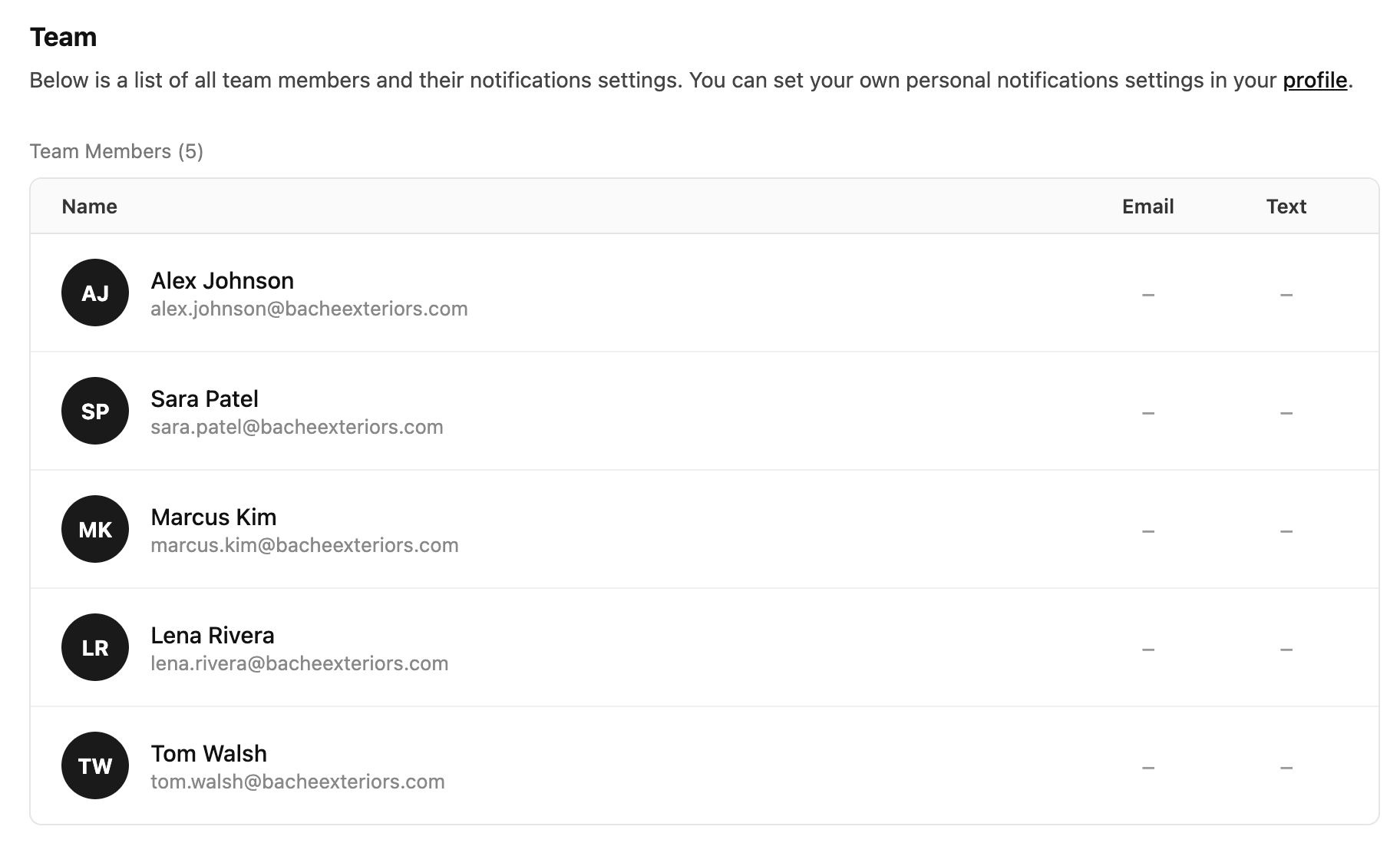
The indicators show each person’s current state — this is a read-only view in Workspace Configs.
Changing notification settings
Notification settings are personal — each team member controls their own. To update your own settings, click the profile link in the Team tab description, or go to your profile and open the Notifications section. From there you can turn email and text notifications on or off per workspace.
Adding or removing members
Team membership is managed from Account Settings, not Workspace Configs. To add or remove a user from this workspace, see Add or Remove a Member from a Workspace.