Recording disclosures
State-level regulations on call recording differ between locations, so you may want to ensure call recording is disclosed before you or an AI agent start speaking to a contact. Go to the ‘compliance’ tab of your organization’s settings page to switch on recording disclosure for all your workspaces. With this setting switched on, Hatch will play a short pre-recorded message before all inbound calls that informs them the call may be recorded for quality assurance purposes.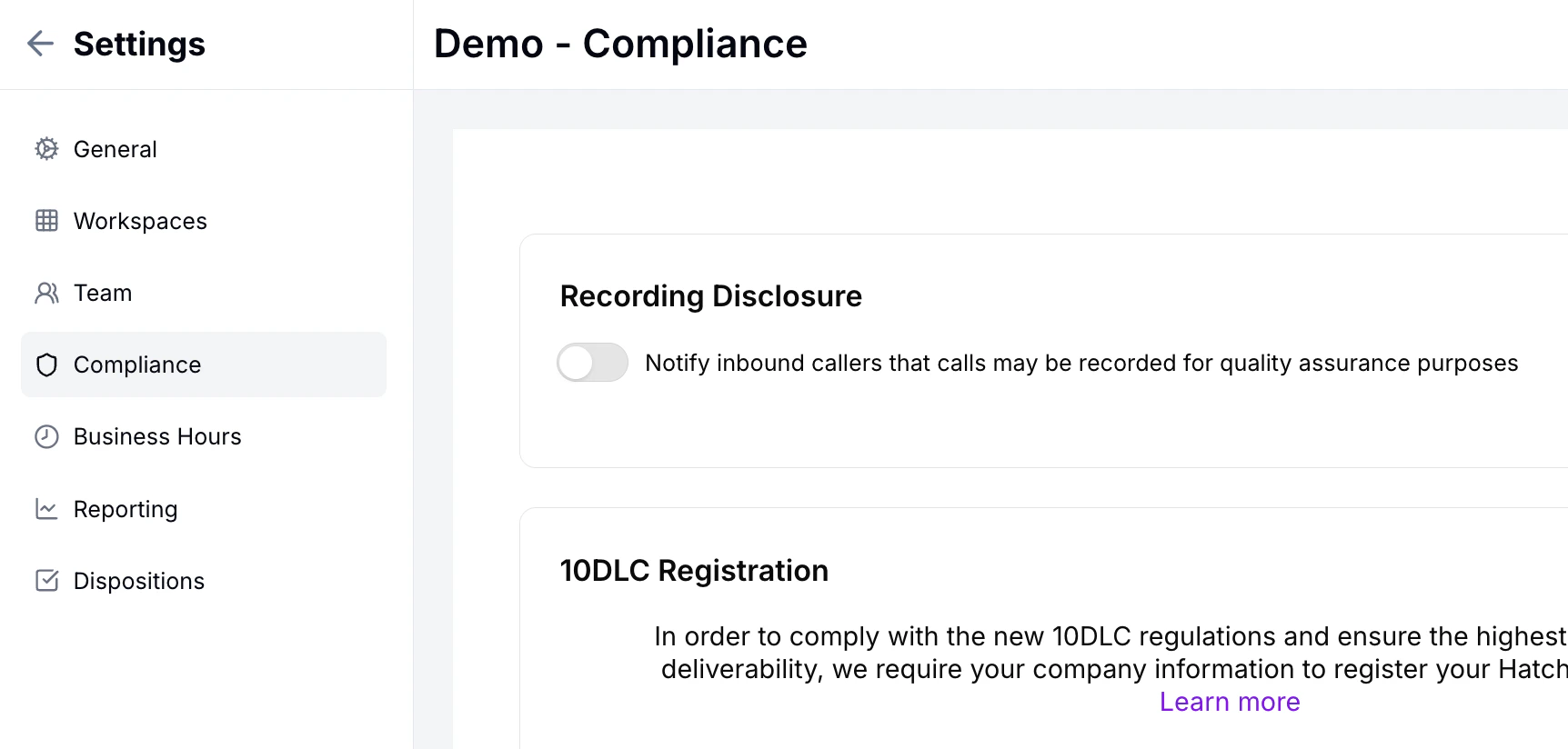
Recording human-to-human calls
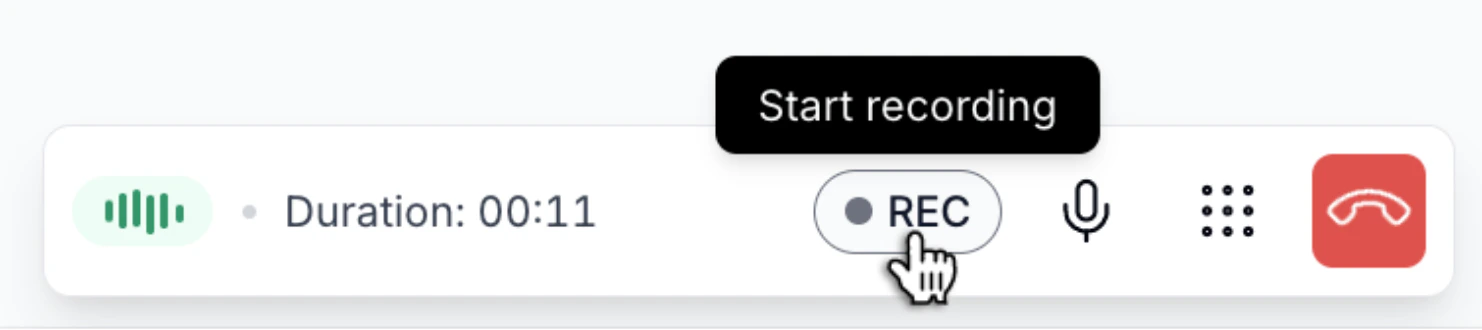
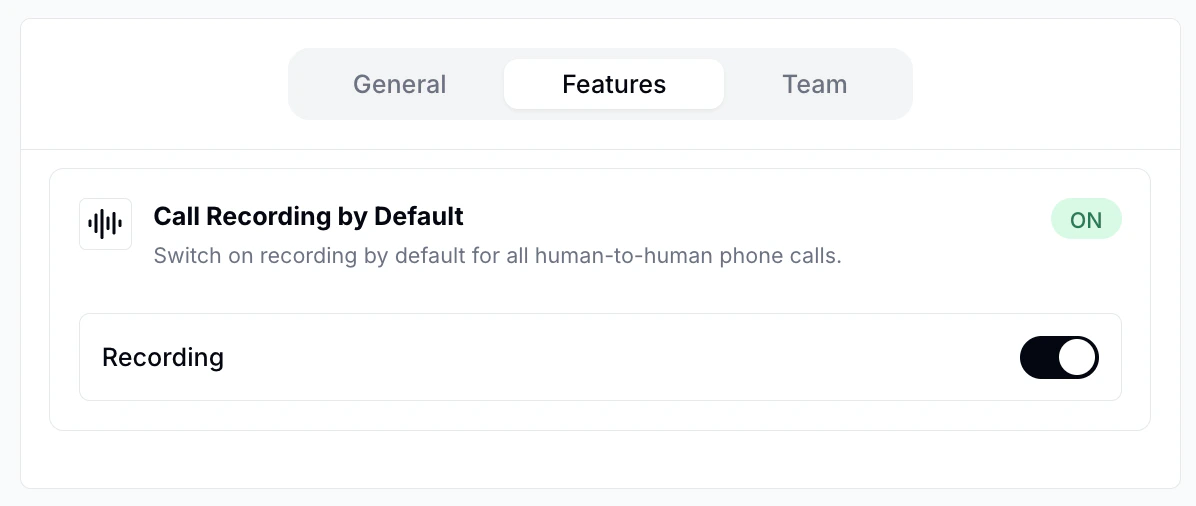
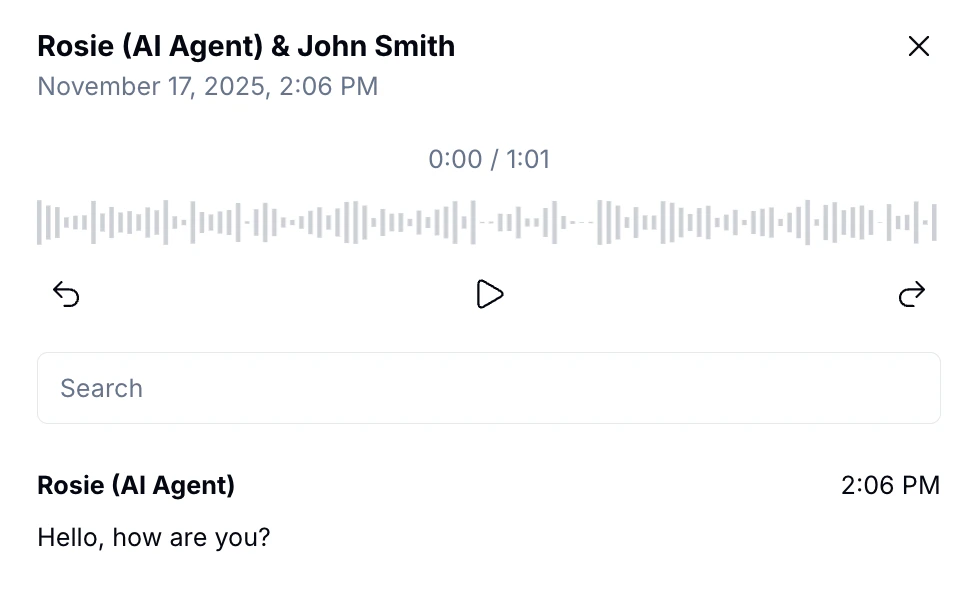
All voice AI calls in Hatch are recorded: the agent relies on a live recording to determine what a given contact is saying. For human-to-human calls, Hatch gives you control over when and whether a given call is being recorded. When the ‘REC’ button is red on the calling toolbar, the call is being recorded, clicking the button at any time will start recording. Clicking the button again pauses recording—you may want to do this in cases where a customer is sharing sensitive information, like a credit card number. Clicking again restarts the recording.