

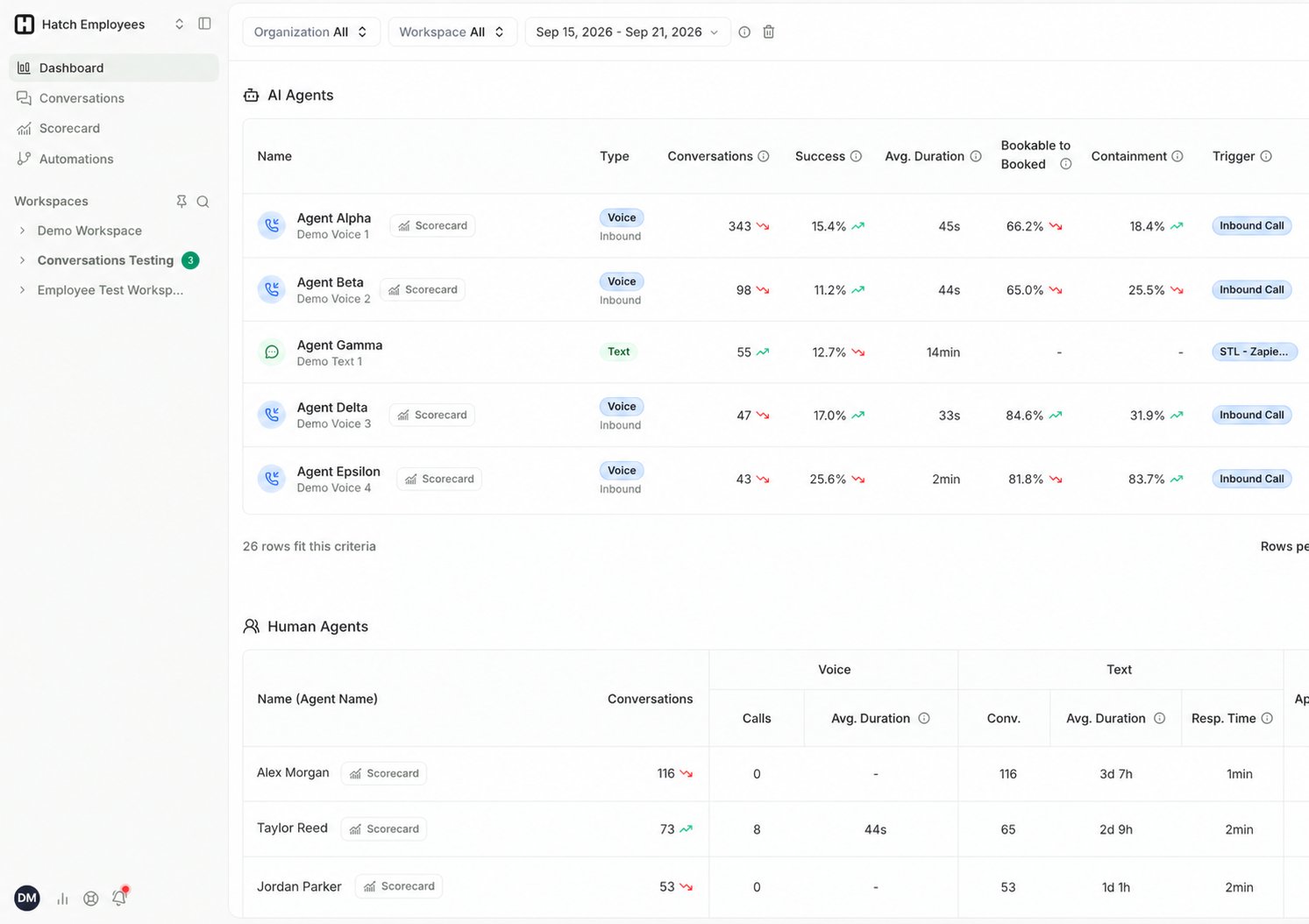
AI Agents
Human Agents
A CSR may work both channels, so the middle of this table splits into Voice and Text groups.How metrics are calculated
Success is based on the dispositions applied at the end of each conversation. You mark specific dispositions as successful, and Hatch uses that configuration to calculate every success-related metric on both tables. Set this under Settings → Dispositions.If your success numbers look low or empty, check your disposition configuration first. A conversation that was never closed out with a disposition can’t be counted as a success. See Dispositions in Hatch.
Filtering
Both tables respect the Dashboard filters — organization, workspace, and time period. Each table also has its own Agent picker for jumping straight to one agent.Going deeper
Click any AI agent to open its Voice AI Scorecard, or click through to the Conversations page to read the conversations behind any number.Related Articles
- Dashboard Overview: the Dashboard and how its metrics are calculated.
- Voice AI Scorecard: per-agent Voice AI performance.
- Glossary: what makes a call bookable, and what Handling means.